Test links allow you to create a global test link that can be shared directly with candidates. Candidates can fill in their details and start the assessment using this link.
To Get Started:
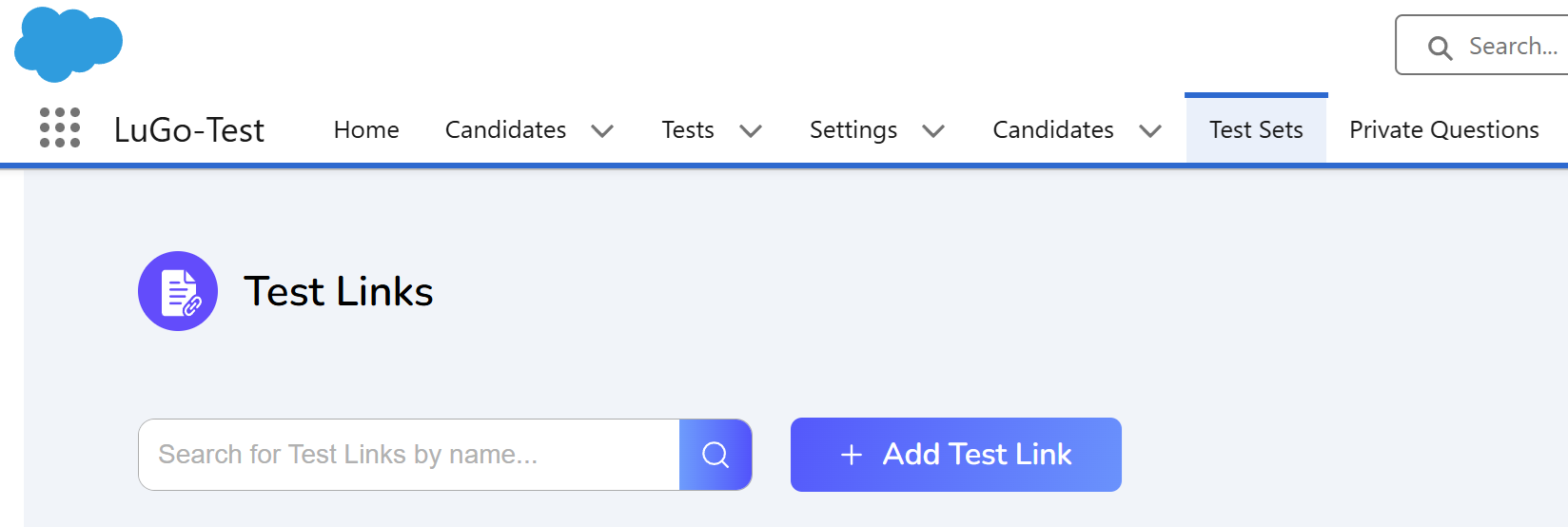
Go to the Test Sets screen and click on Add Test Link
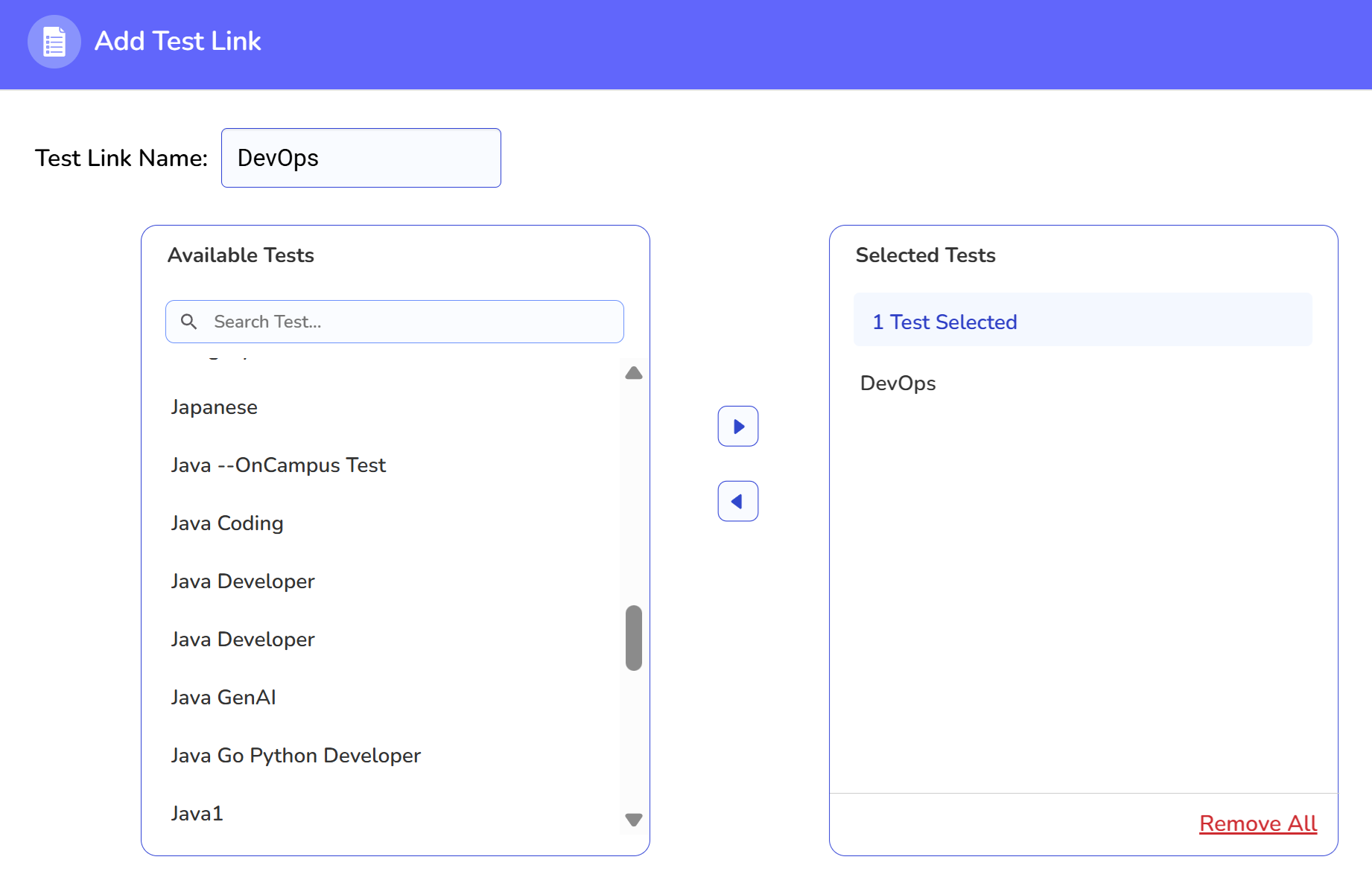
Choose the relevant test name and click the right arrow button (e.g., DevOps).
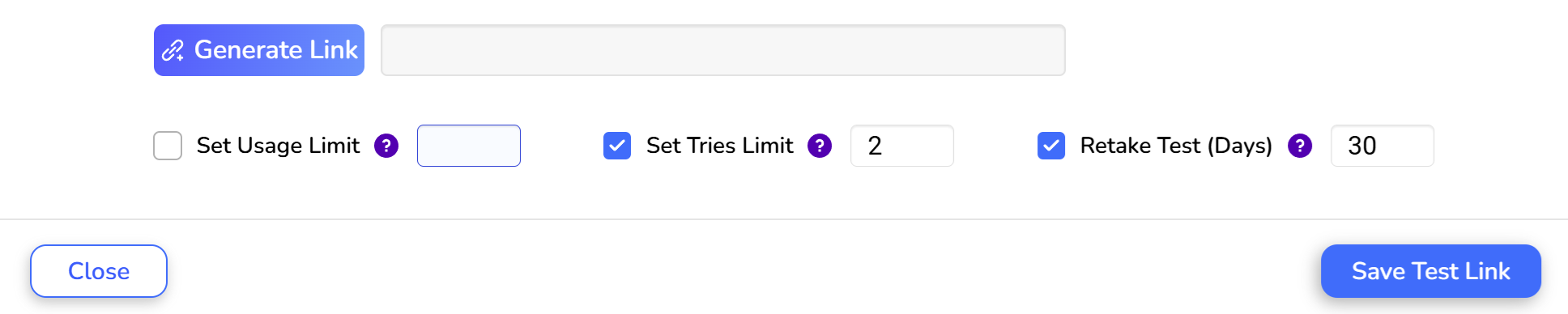
Configure the Test Settings:
Set Tries: Limit the number of times candidates can take the test.
Retake Test (Days): Specify the waiting period before candidates can retake the test.
Generate and Share the Link:
Click on Generate Link and copy the new link.
Click on Add Test Link to save the test link.
You can then share the generated link with candidates or use it in recruitment campaigns.
Was this article helpful?
That’s Great!
Thank you for your feedback
Sorry! We couldn't be helpful
Thank you for your feedback
Feedback sent
We appreciate your effort and will try to fix the article