Efficiently send test invitations to multiple candidates using our bulk-sending feature.
Access Candidate List
Navigate to the Candidates tab.
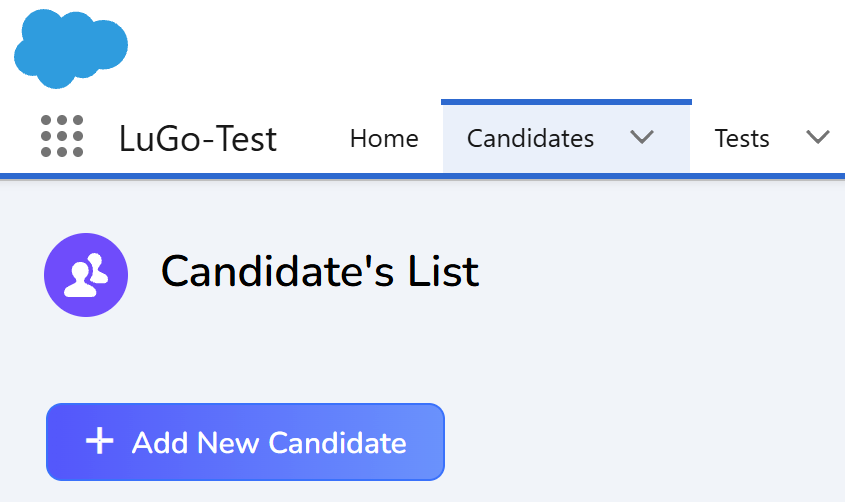
Initiate Bulk Send
Click on the "Send Tests - CSV" button

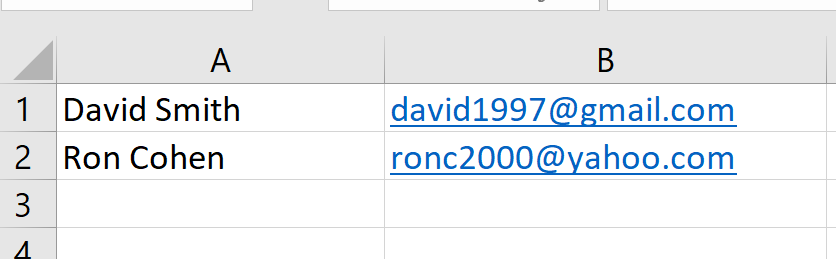
Prepare CSV File
Create a CSV file with candidate details:
- Place the candidates' names in the first column.
- Enter the candidates' emails in the second column.
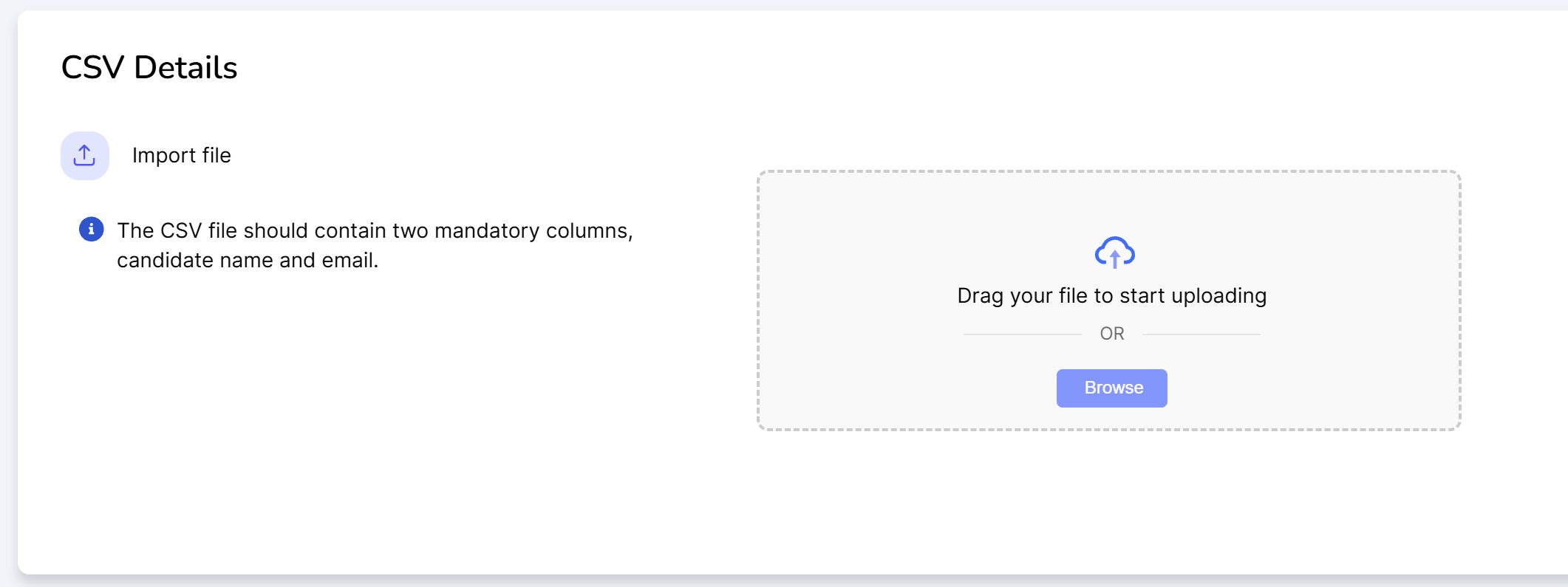
Click on "Browse" to upload your prepared CSV file.
Optionally select the date you wish to send the test invitations.
Upload and Send Invitations
Under Select Test, choose the test you wish to send.

Finally, click "Send Test Invitations" to dispatch the invitations to all candidates listed in the CSV file.

Confirmation
The test invitations will be sent out shortly to all candidates.
Was this article helpful?
That’s Great!
Thank you for your feedback
Sorry! We couldn't be helpful
Thank you for your feedback
Feedback sent
We appreciate your effort and will try to fix the article