Introduction
Once you have created a test, you can proceed to send invitation emails to candidates.
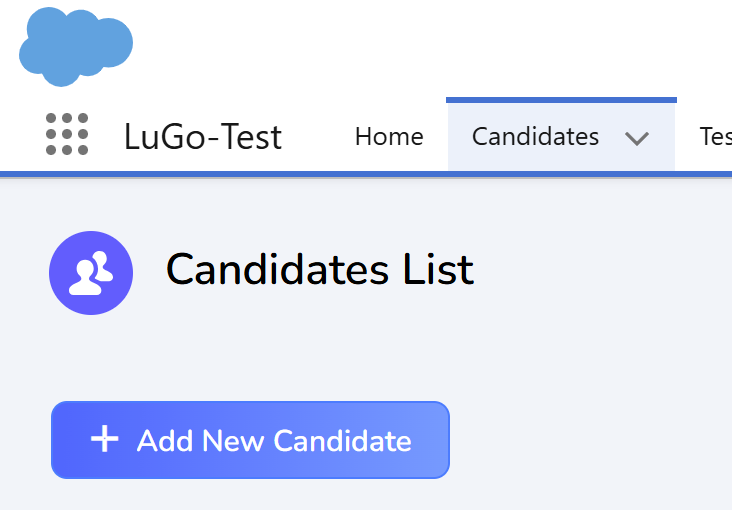
Begin by navigating to the "Candidates" tab and clicking the "Add New Candidate" button. This will direct you to the candidate creation page.
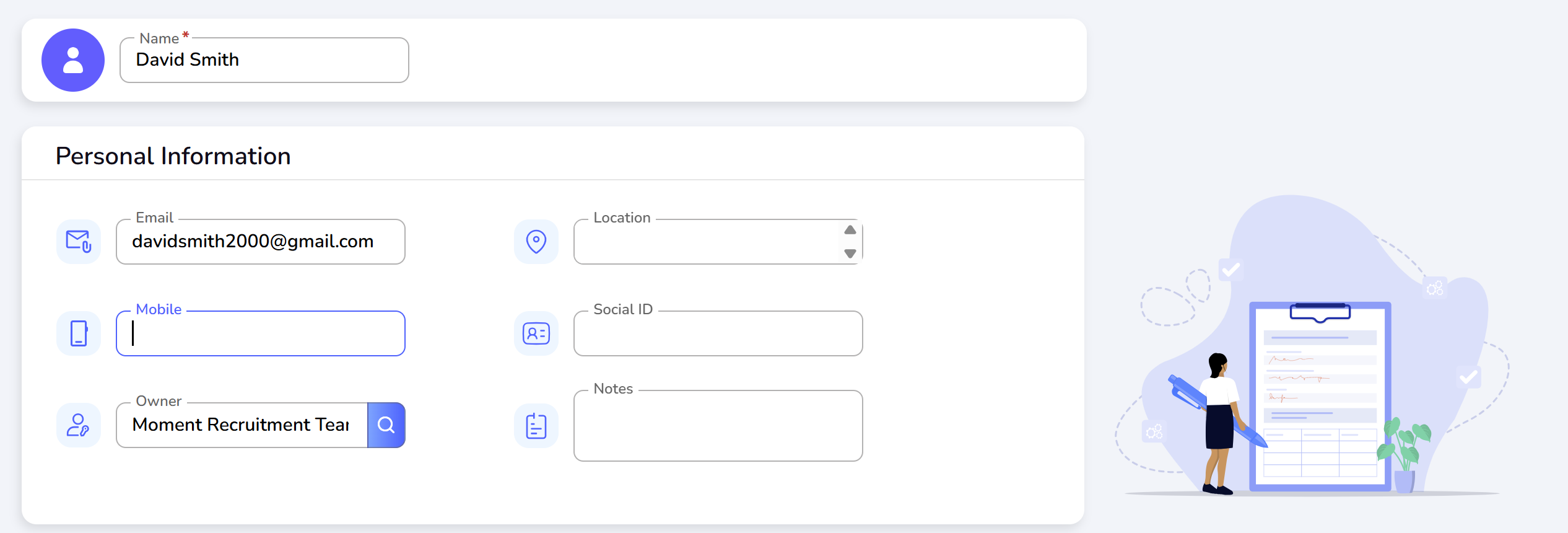
Under "Personal Information", enter the candidate's full name and email address.
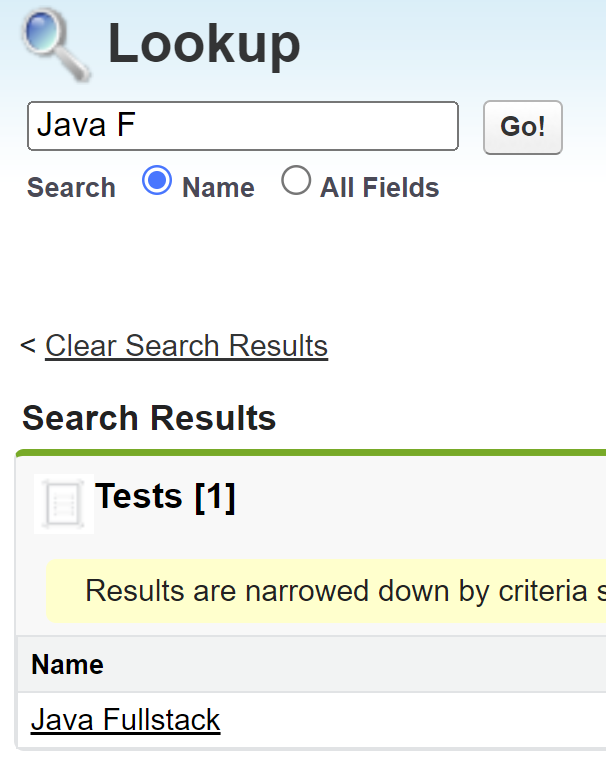
To add a test, use the "Add Test" section. Click the search icon to bring up the search field. Enter the name of the desired test and click "Go!". Select the test from the search results.
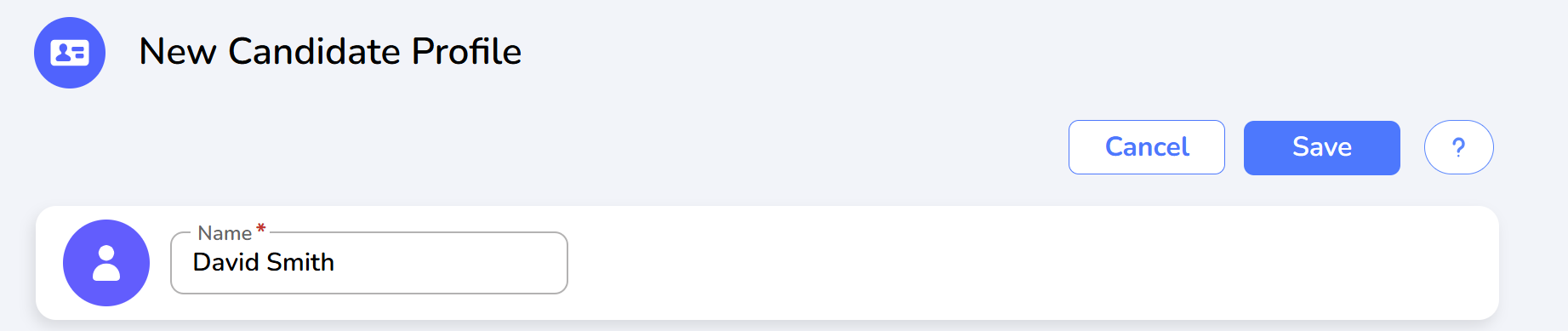
Click "Save" to store the new candidate profile.
To send a test invitation, click on the "Send Test Invitation" link. This will immediately send an email to the candidate with instructions on how to attend the test.

If you wish to schedule the test invitation for a later date, select the relevant date and click "Schedule ". The system will automatically send the invitation on the specified date.

The candidate will receive an email containing all necessary instructions to participate in the test.
Was this article helpful?
That’s Great!
Thank you for your feedback
Sorry! We couldn't be helpful
Thank you for your feedback
Feedback sent
We appreciate your effort and will try to fix the article